


Replacement Remote Control For Epson Home Cinema 5050UB 4K Projector
Replacement Remote Control For Epson Home Cinema 5050UB 4K Projector
SKU:287017644020
Low stock: 10 left
Couldn't load pickup availability
Check the part details and order terms before buying. Need a specification confirmed? Contact Keyead.
- Product type
- hardware
Home Cinema 5050UB/5050UBe: check the handset version
This listing offers a replacement remote under the references below. Match the full equipment model and your old handset label before ordering; a nearby number or shared brand name alone is insufficient.
Listed references
5050UB
Check the controls you need
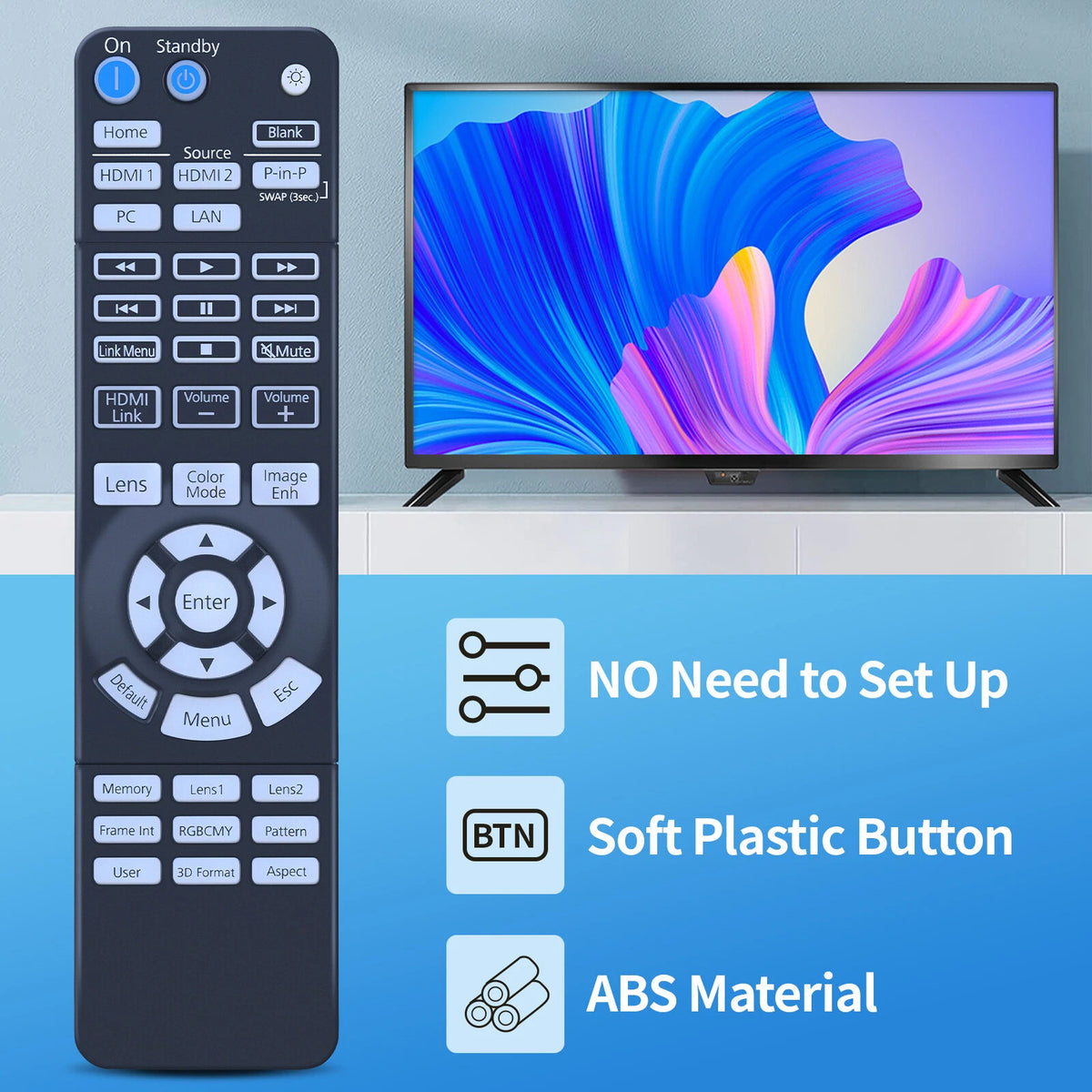
- Check the full Home Cinema model including UB or UBe. Compare Lens, Lens1/Lens2 and Memory controls if those are important for your installation.
- Confirm the required image, source and menu functions on the replacement. A projector-family photograph or shared body shape is not proof of every shortcut.
Manufacturer reference
Epson documents dedicated lens, memory and image-adjustment controls in this projector guide.
Epson Home Cinema 5050UB/5050UBe remote layout. This describes the original equipment. It does not certify this replacement’s origin, fit or complete functions.
Power and package
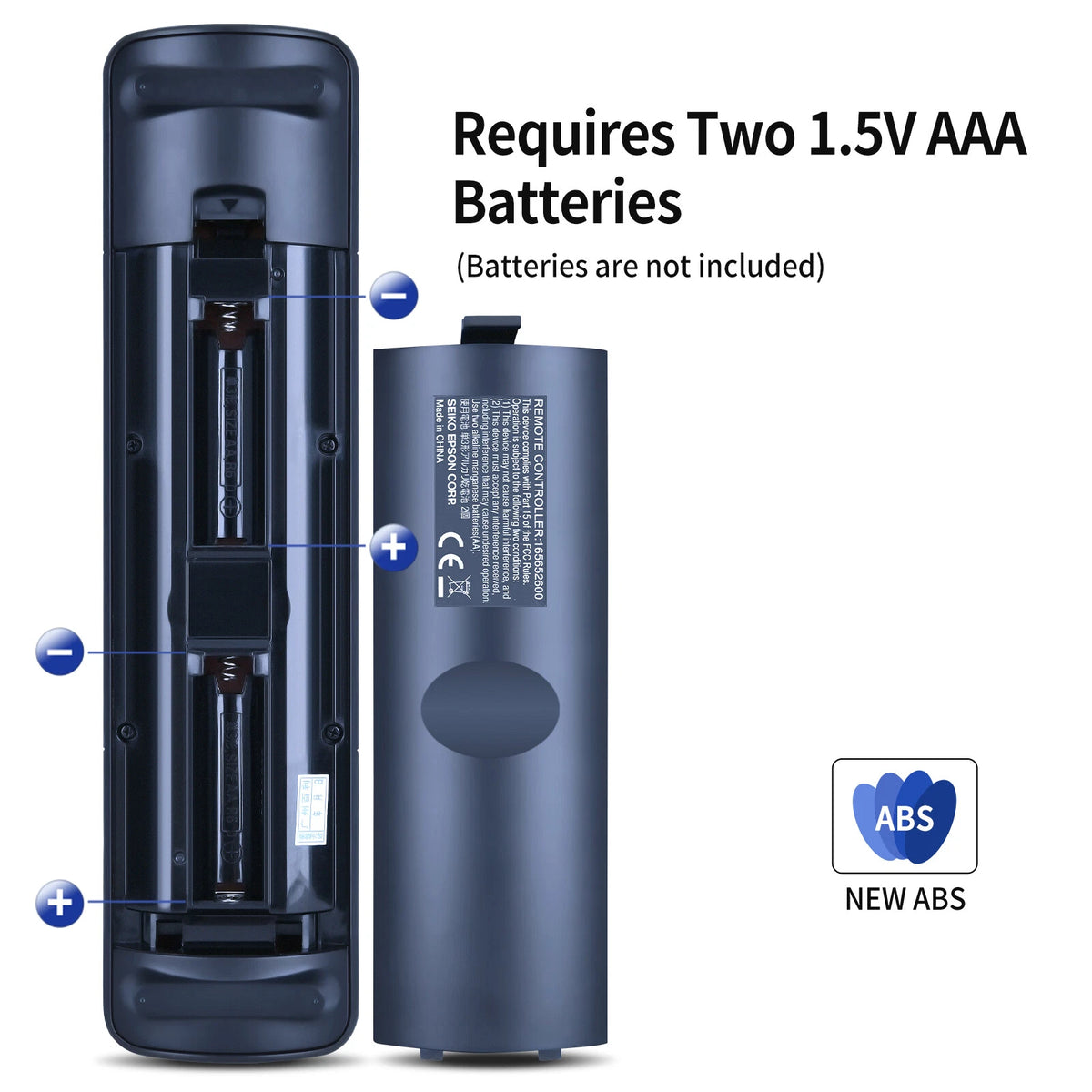
Battery type, included batteries and exact package contents are not confirmed for this replacement. Check the supplied handset and its battery compartment before fitting power.
If a label or required button differs, ask Keyead to check your model before ordering. Send the full equipment and handset references, plus the functions you need. You can also use the remote buying checklist.




Get the details right before you order.
A close match is not always the right part. Compare the listing with your existing component and contact Keyead when a specification needs checking.
Contact KeyeadHow do I check whether a part is suitable?
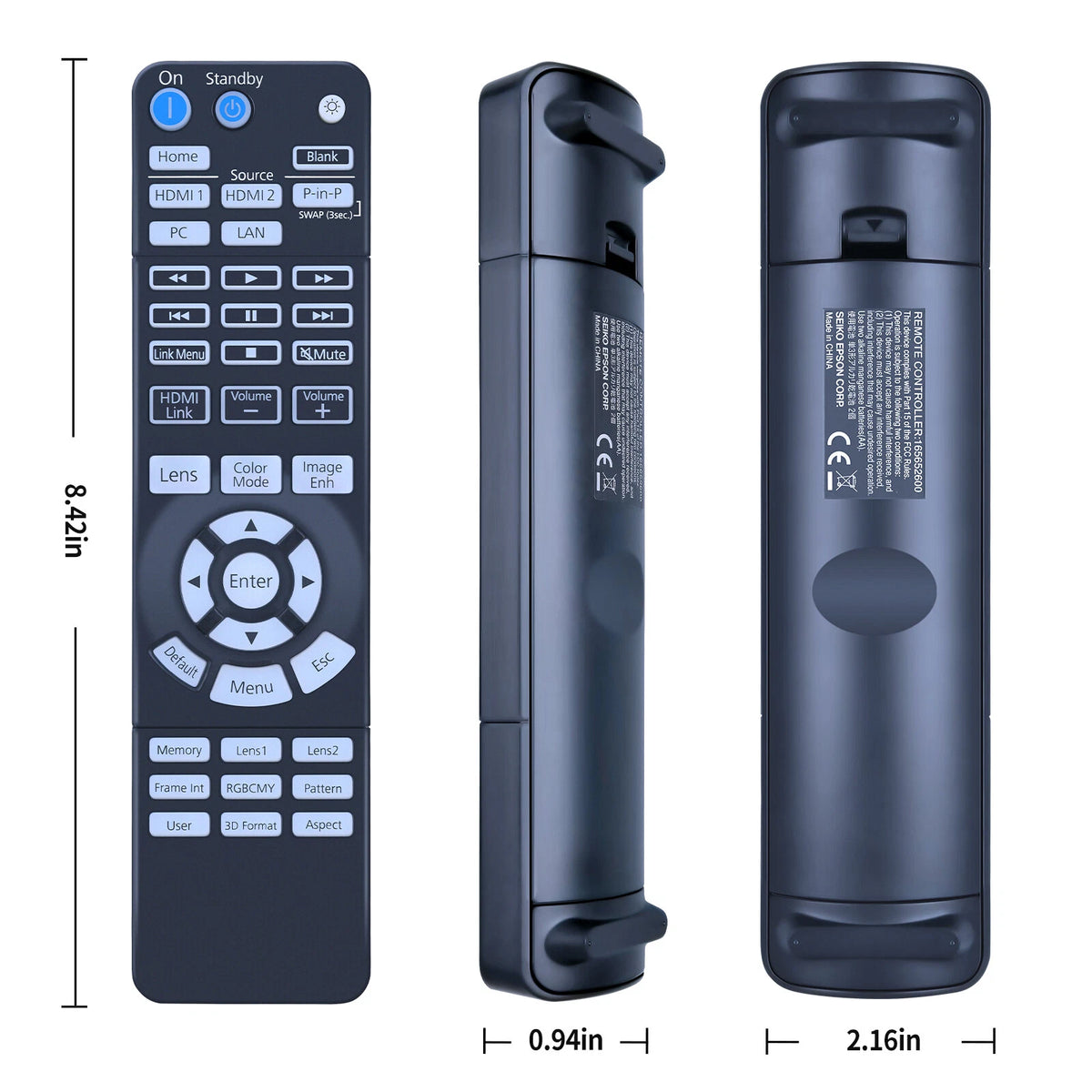
Compare the complete part number, equipment model, dimensions, connections and listing details. Similar names or appearance do not confirm compatibility.
What should I include in a product question?
Include the product link or part number, equipment model, required quantity and the specification you need to confirm. Photos of the existing part can help explain your question.
Where can I check shipping details?
Review the published policy for shipping terms before placing your order. Read the shipping policy.
Where can I check return terms?
Review eligibility, conditions and the return process in the published policy. Read the refund policy.